Getting started takes just a few minutes:
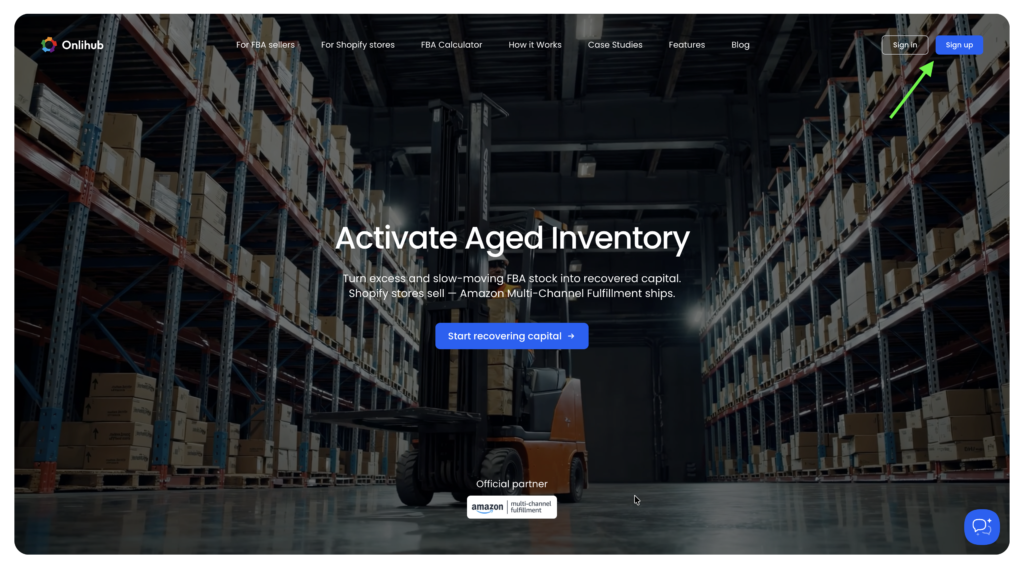
1. Go to onlihub.com and click Sign up in the top-right corner.
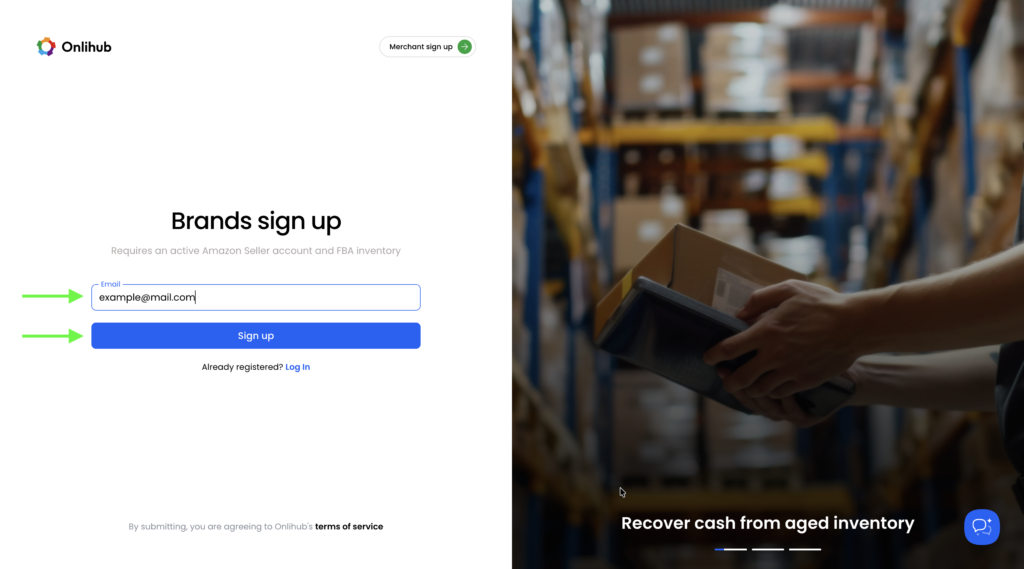
2. Enter your email address and click Sign up to create your account.
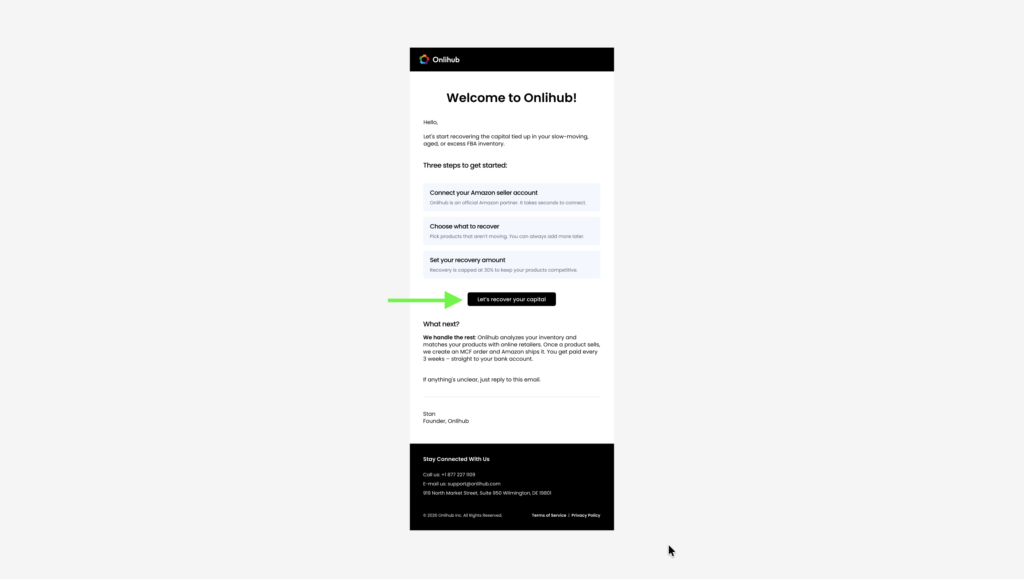
3. Check your inbox for the Welcome to Onlihub email and click Let’s recover your capital to verify your email.
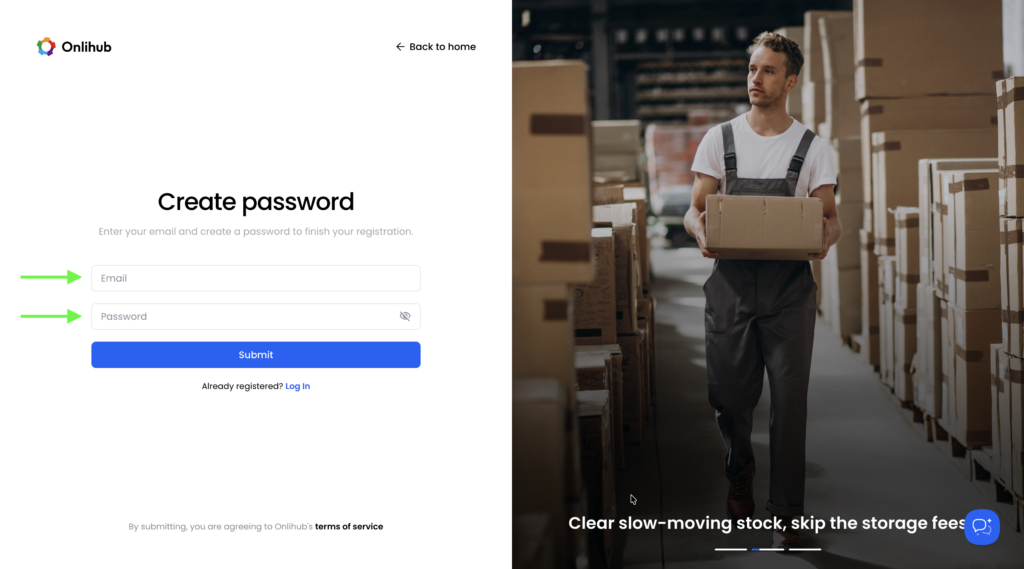
4. Create a secure password and complete your registration.
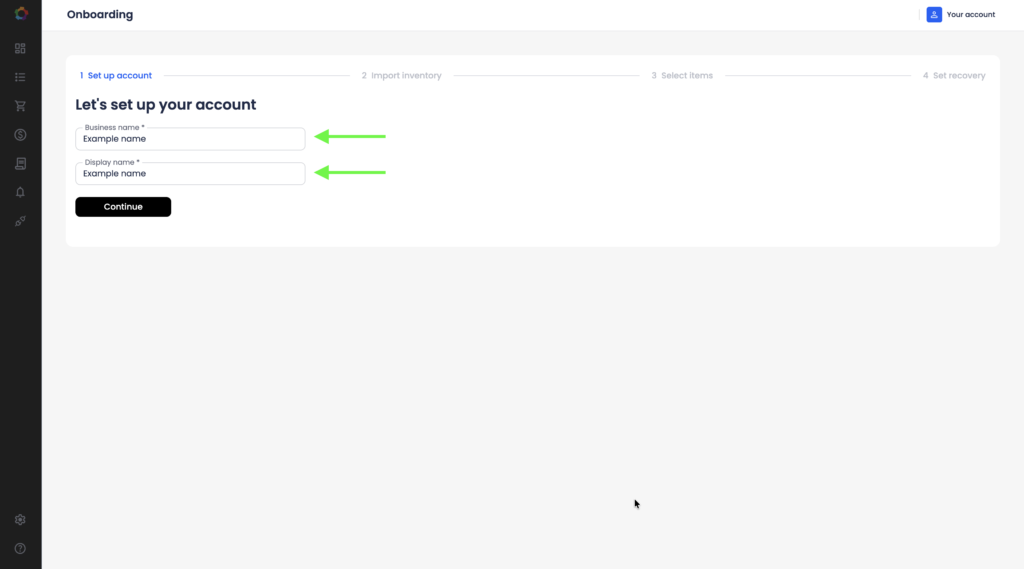
5. Enter your business name and display name.
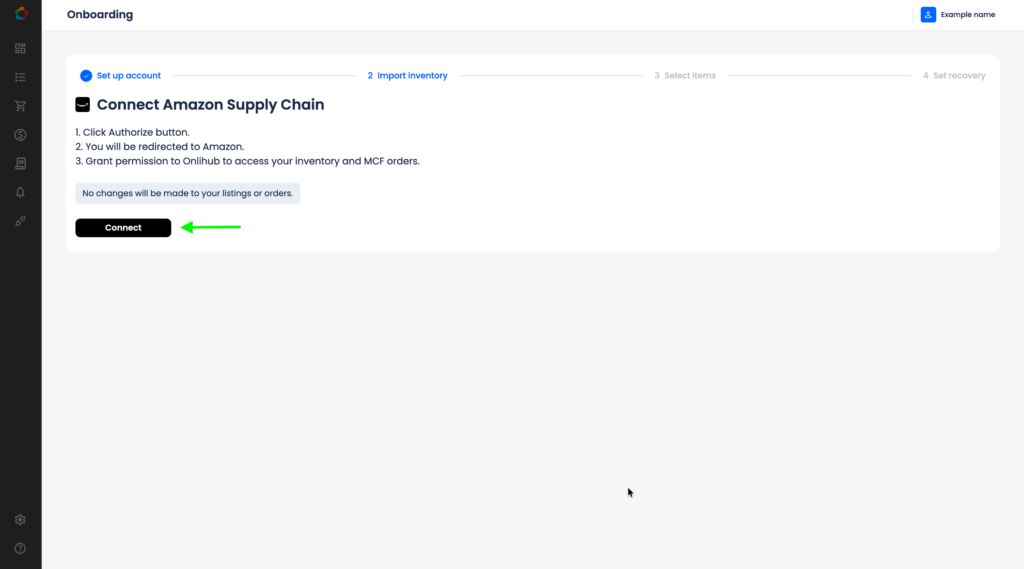
6. Connect your Amazon Seller account. Click Connect and authorize Onlihub to access your inventory and MCF orders. No changes will be made to your listings or orders.
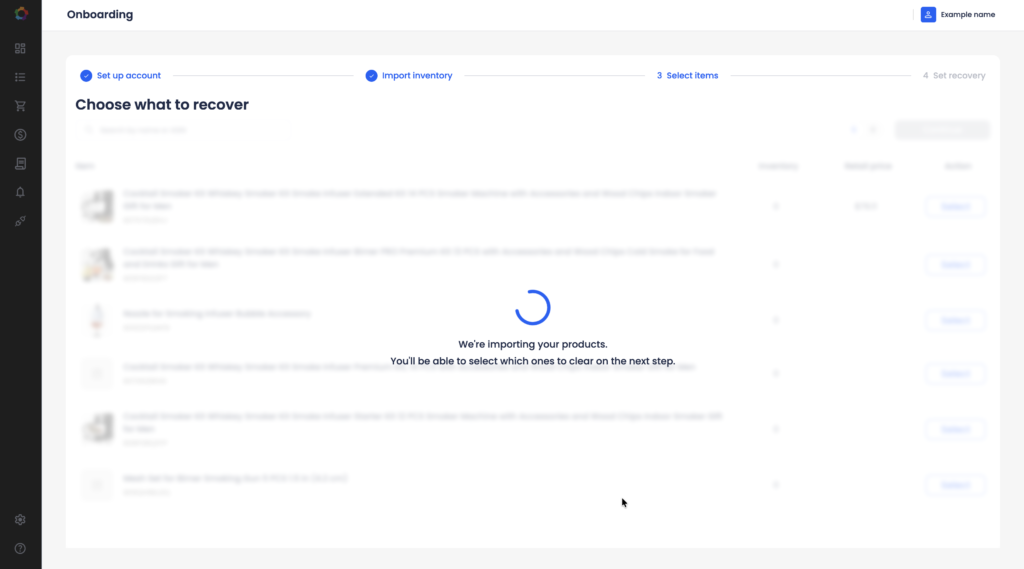
7. Wait while Onlihub imports your inventory — this may take a few minutes depending on your catalog size.
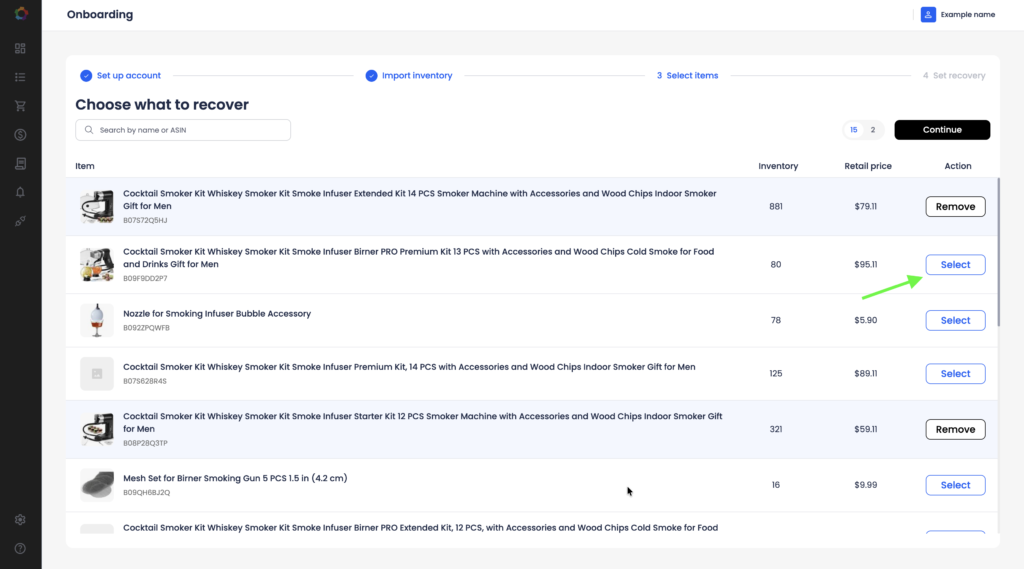
8. Click Select next to each product you want to recover, then click Continue.
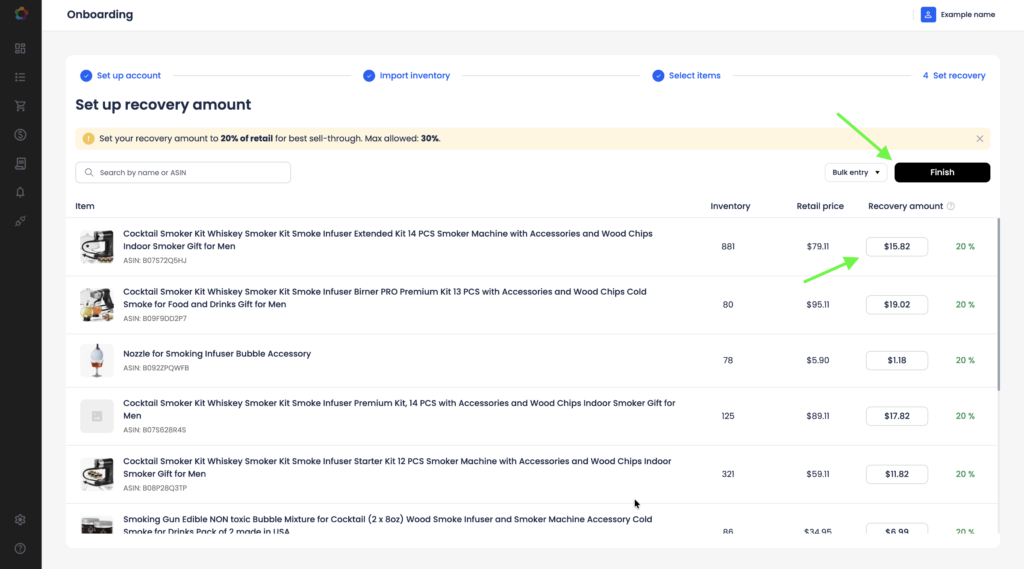
9. Set the recovery amount for each product (default 20% of retail price, maximum 30%) and click Finish.
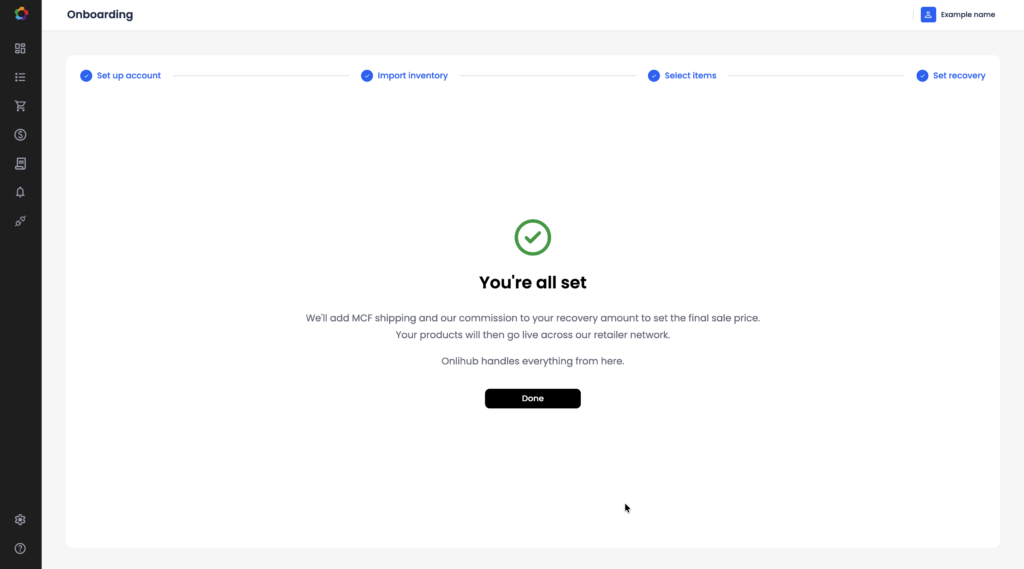
10. That’s it. Onlihub automatically publishes your selected products to our retailer network using the recovery amounts you configured.